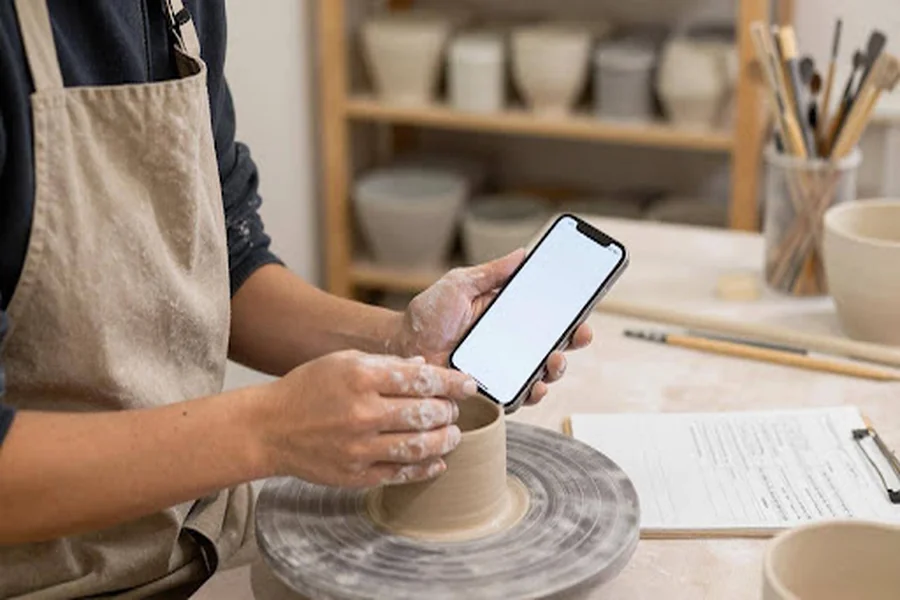
Most creative projects start the same way: one person, one idea and whatever email address they already had. A ceramics account that began as a weekend hobby. A newsletter written on Sunday nights. A video channel filmed in a spare room.
Then it grows. A brand writes to ask about a sponsorship. A shop wants to stock your work. A journalist requests an interview, someone asks to license a photo, and customers start emailing about orders. All of it lands in the same inbox as your dentist reminders and family group threads.
That’s usually the moment creators realize the project has quietly become a small business, and that its contact system hasn’t kept up.
Know when the project has become an organization
There’s no official threshold, but a few signs are reliable. You’re receiving money. You’re signing agreements, even informal ones. More than one person is involved, or soon will be. People you’ve never met are trying to reach you for professional reasons.
At that point, the way people contact you stops being a personal matter. It’s part of how the project presents itself, and it needs the same attention as your logo or your portfolio.
Give the project its own address
A sponsor comparing two creators will notice the difference between a nickname at a free email service and hello@ the creator’s own site. It isn’t snobbery. A proper address suggests someone who answers messages, sends invoices and will still be around next year.
There’s a practical side too. An address tied to your personal account is tied to you. If a collaborator joins or you eventually sell or hand over the project, you can’t easily pass on the inbox.
Setting up a custom email domain gives the project an identity of its own. Addresses at your own domain belong to the project, can be shared or reassigned, and stay the same even if you switch email providers later. If you already own a domain for your website, you’re halfway there.
Use a few role addresses
You don’t need a dozen. Three cover most creative projects:
- hello@ for general messages and audience questions
- press@ or partnerships@ for sponsors, media and collaborations
- orders@ or billing@ for customers, invoices and payments
At first they can all deliver to the same inbox. The value is that messages arrive pre-sorted, and when you bring in help, perhaps a friend handling orders or a manager handling brand deals, you can hand over one stream without exposing the rest.
Publish the right address in the right place. Put the partnerships address in your channel description and media kit, and the orders address on your shop page.
Separate pitches from sensitive details
Pitches and audience messages are low-risk. Contracts, tax forms, bank details and rate negotiations aren’t. Keep the two apart.
Don’t put your home address or personal phone number in a public contact page or email signature. Use a business mailing address if you need one. Send invoices through an invoicing tool rather than emailing bank details, and keep signed agreements in one folder rather than scattered across threads.
Decide what an assistant or collaborator can see. Access to audience messages doesn’t have to include access to your contracts.
Watch for fake brand deals
Creators are a favorite target for impersonation scams. The message looks like it comes from a well-known company. It offers a generous sponsorship and asks you to download a “brief” or a “product demo,” sign in through a link, or pay a small fee to be reimbursed later. The attachment installs malware, or the link steals the login to your channel.
Check the sender’s domain carefully, and verify any offer by contacting the company through its official website. Real brands don’t ask creators to pay anything or to run unfamiliar software. The Federal Trade Commission’s advice on how to avoid a scam applies here too: resist pressure to act immediately, and confirm through contact details you know are legitimate.
Protect the accounts that matter most with unique passwords and two-step sign-in, starting with email, since it can reset everything else.
Keep ownership with the project
Make a list of everything the project depends on: the domain name, the email service, social accounts, the shop platform, payment accounts and the newsletter tool. For each one, note who owns the login and where the recovery details are.
The domain and the main email account should be registered in your name, or the project’s, never in the name of a freelancer or friend who set them up. If a collaborator leaves, change shared passwords and remove their access promptly. It’s routine housekeeping, not an accusation.
Record rights and commercial decisions
Creative work generates agreements that are easy to forget: who can use a photo and for how long, what a sponsor was promised, which track is licensed for which video. When these live only in email threads, they’re hard to find when a question comes up.
Keep a simple log with the date, the other party, what was agreed, any fee and where the document is saved. It takes a minute per deal and can save real money and awkwardness later.
Test the contact path from the outside
Every so often, pretend to be a stranger. Find your project online and try to get in touch as a sponsor would, then as a customer. Is the right address easy to find? Does the contact form work? Do you get a reply, or at least an acknowledgment?
You may discover that your website still lists an address you abandoned two years ago.
Retire old addresses deliberately
When you move to new addresses, don’t just stop checking the old one. Set up forwarding for several months, add an automatic reply pointing to the new contact, and update your profiles, media kit and invoices. Then close it down on purpose.
None of this changes the work itself. It simply means that when the right opportunity writes to you, it reaches someone who looks ready for it.
